> For the complete documentation index, see [llms.txt](https://docs.aicrisk.com/llms.txt). Markdown versions of documentation pages are available by appending `.md` to page URLs; this page is available as [Markdown](https://docs.aicrisk.com/admin/logs.md).
# Logs
Logs are a vital aspect of monitoring and tracking system activities within the application. They provide a record of events, errors, and changes made within the admin panel.
**Accessing Logs:**
To access the logs in our application, follow these steps:
1. **Navigating to the Logs Section:**
* Log in to the admin panel using your credentials.
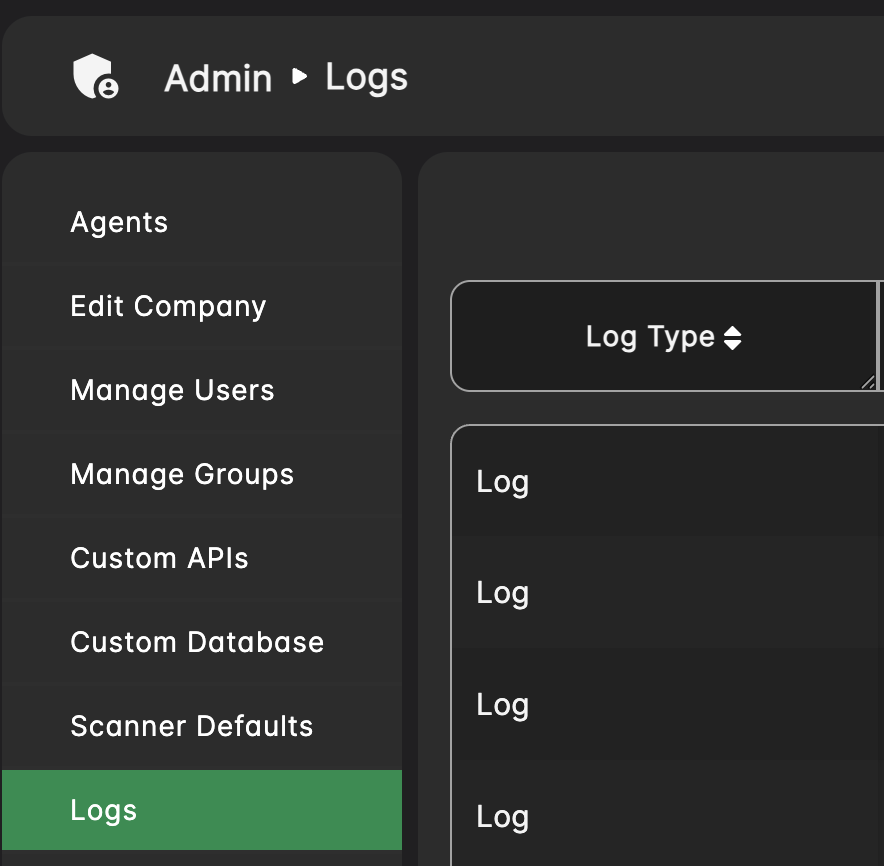
* Look for the "Logs" tab in the menu bar or navigation panel.
* Click on the "Logs" tab to access the Logs section.
2. **Viewing Logs:**
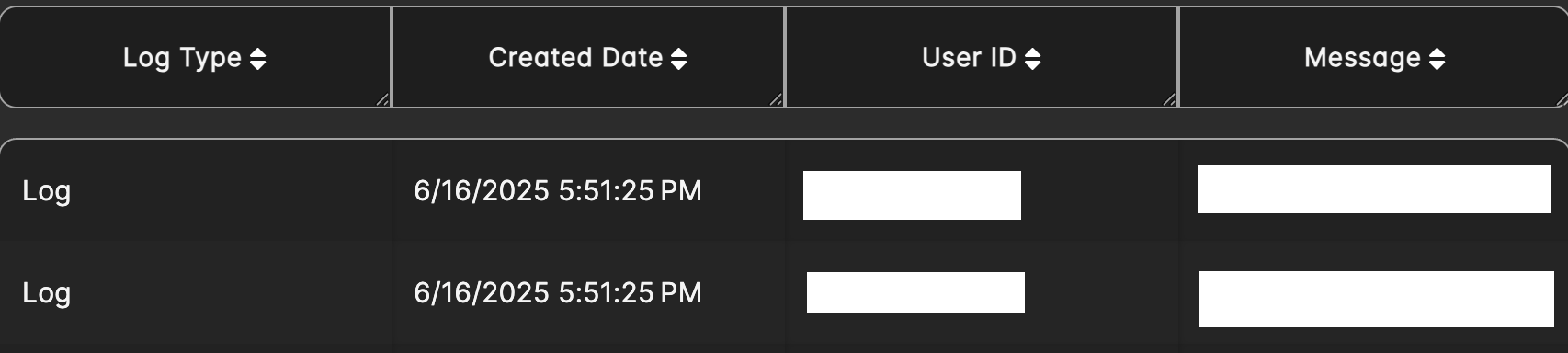
* Upon accessing the logs section, you will be presented with a list of logs registered in the system.
* The list may include log details such as the date created, user ID, and a message.
3. **Filtering Logs:**
* Use the search option to narrow down the list of logs if necessary.
#### Additional Information:
* **Company Admin Privileges**: Please note that only users with company admin privileges can access the admin panel and logs.